SmartReceipt
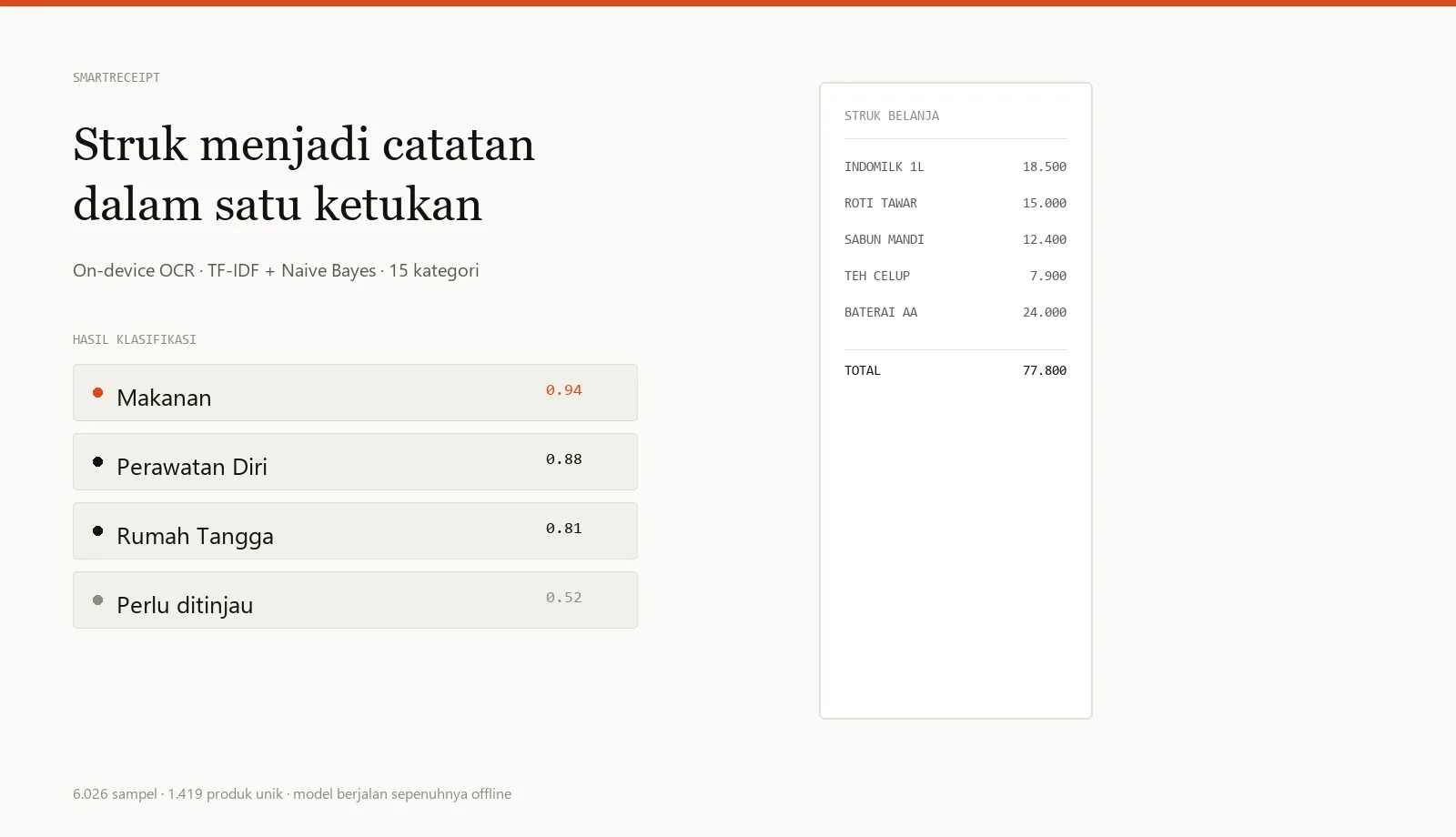
Receipt logging with on-device OCR, offline and automatic.
100% offline · automatic classification
- Role
- Project Manager
- Team
- 4 people
- Duration
- 1 month
- Type
- Project-based learning
Context & problem
Manual expense tracking gets abandoned quickly because it is tedious. Receipts already hold the data, but as noisy thermal text: abbreviations, typos, and store-specific formats. The data also must not leave the device.
Role & responsibilities
I owned project planning and the machine-learning model. Two members built the app and interface, one handled data and evaluation; I also kept model decisions aligned with product decisions.
Planning
I reversed the usual order: model and data first, interface second, because model quality decides how much manual correction users face. One rule was non-negotiable: the model runs entirely on-device.
Coordination
A small team with a one-month deadline meant brief daily coordination. What I protected was the data contract — category names, codes, and result structure — so both sides could integrate without surprises.
Progress monitoring
The model was measured with a confusion matrix and per-category accuracy, not a feeling that it "looked good". The test set was split by unique product so nothing leaked into training. The app was measured by one receipt going from photo to stored record.
Risks & responses
Outcomes
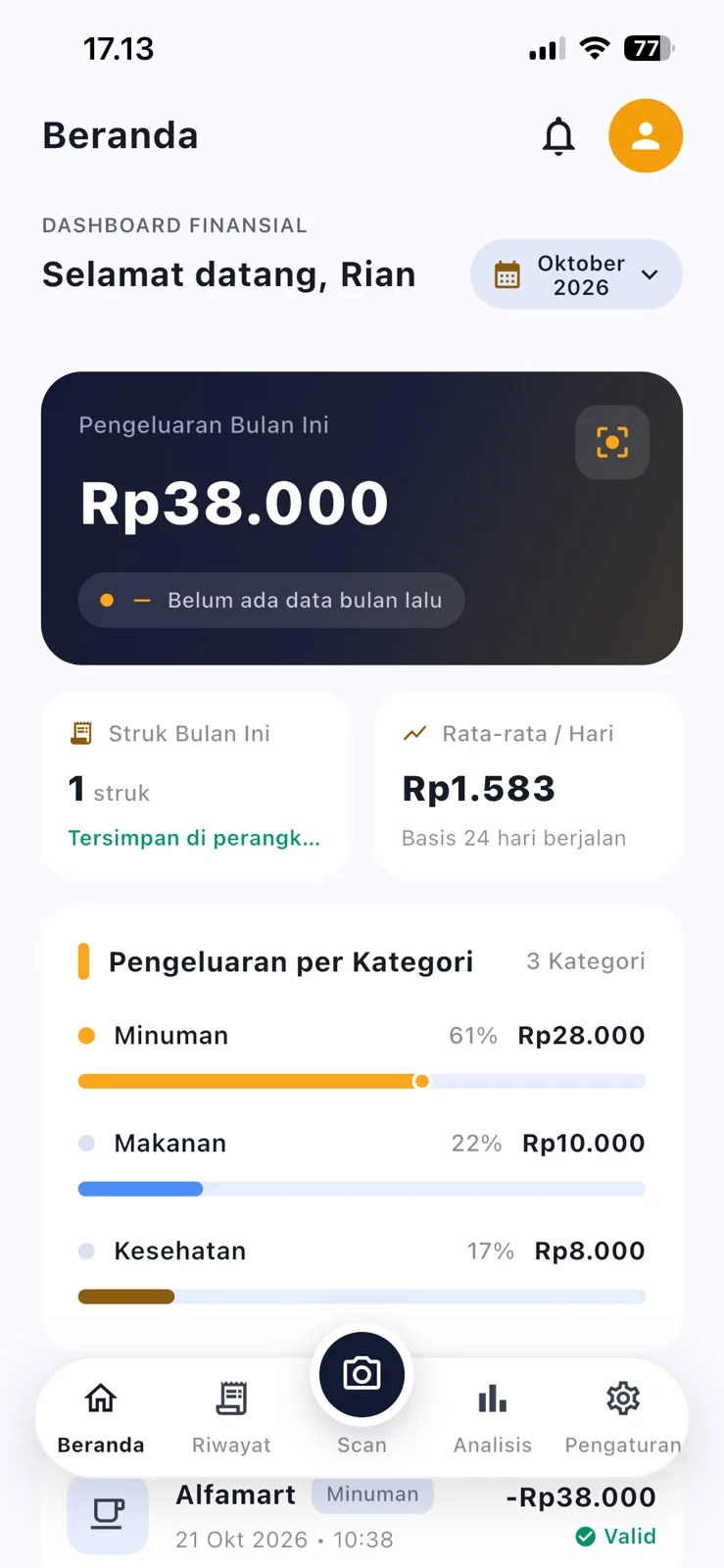
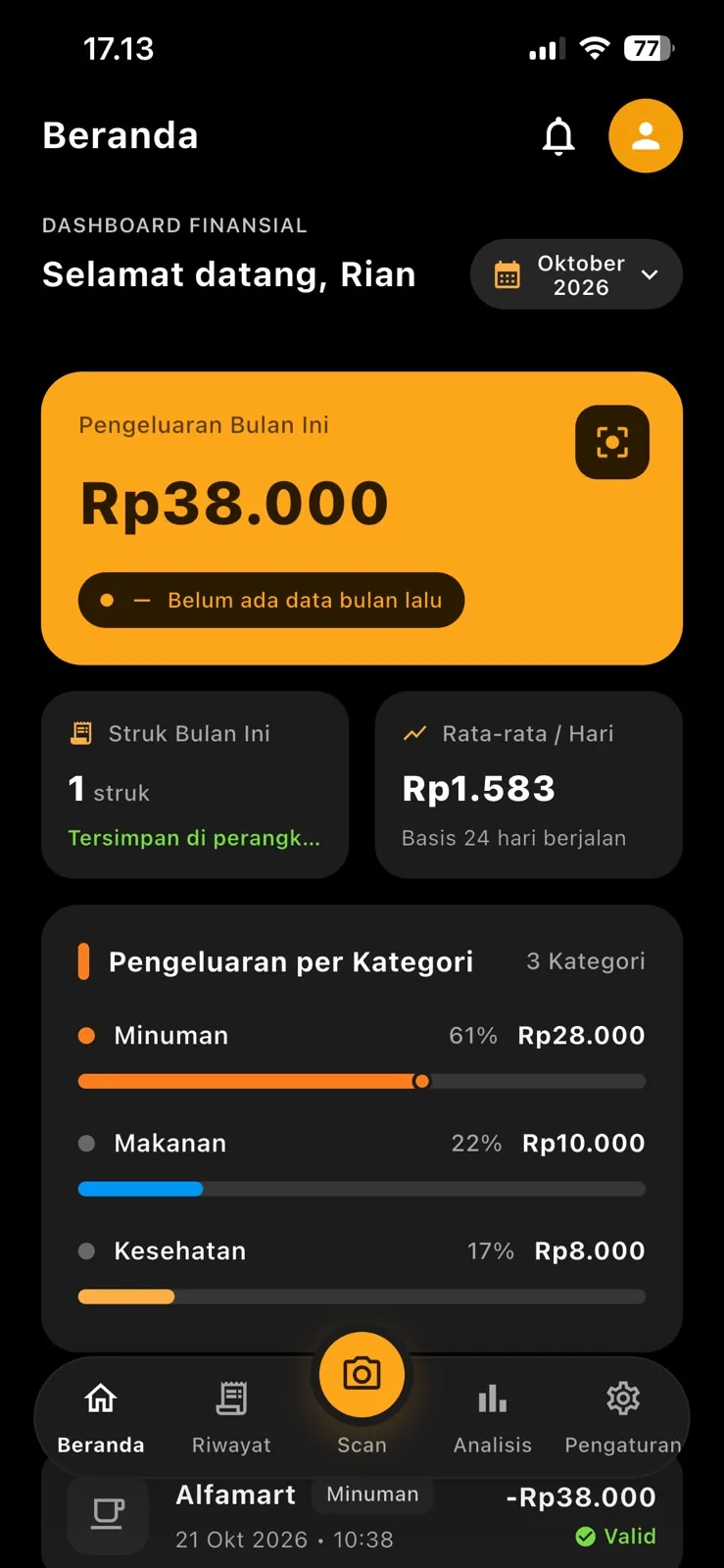
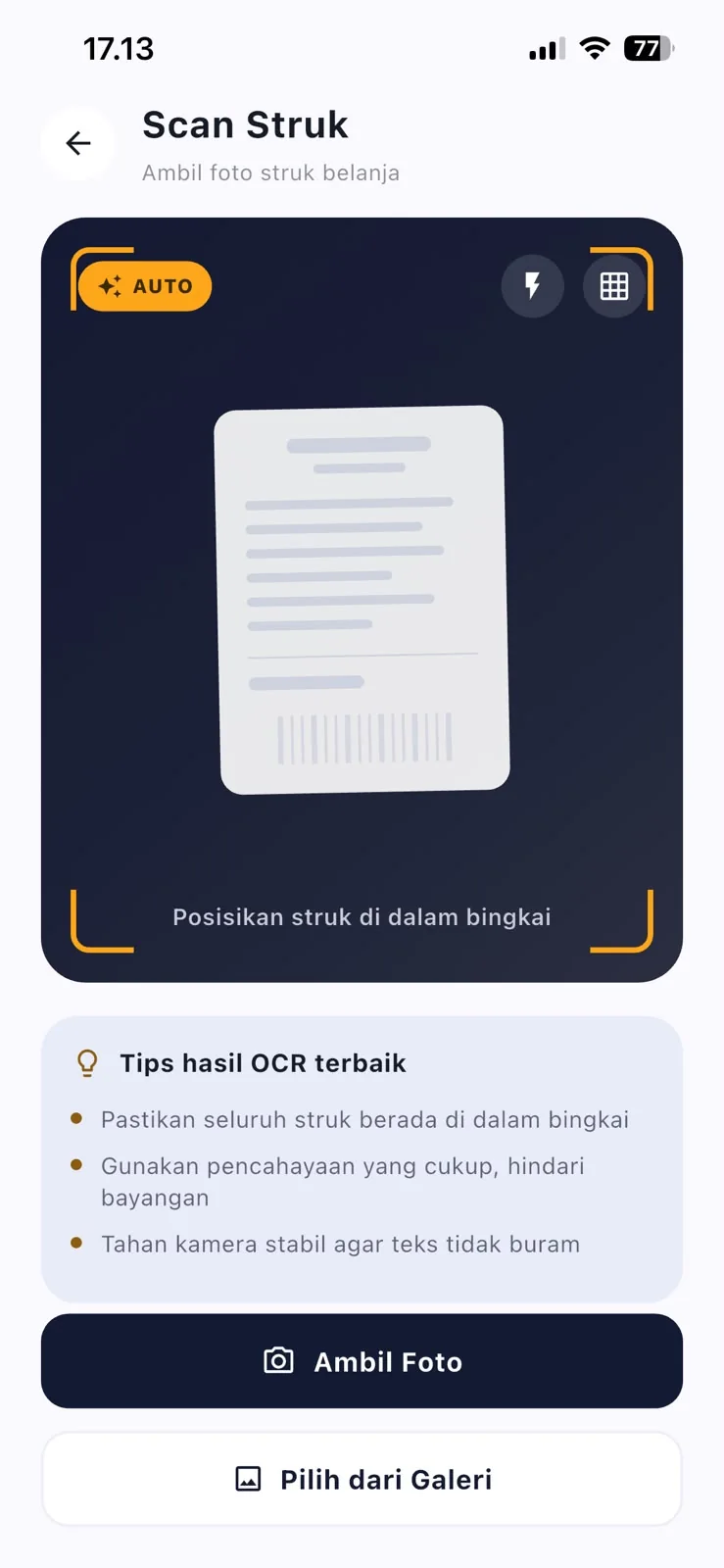
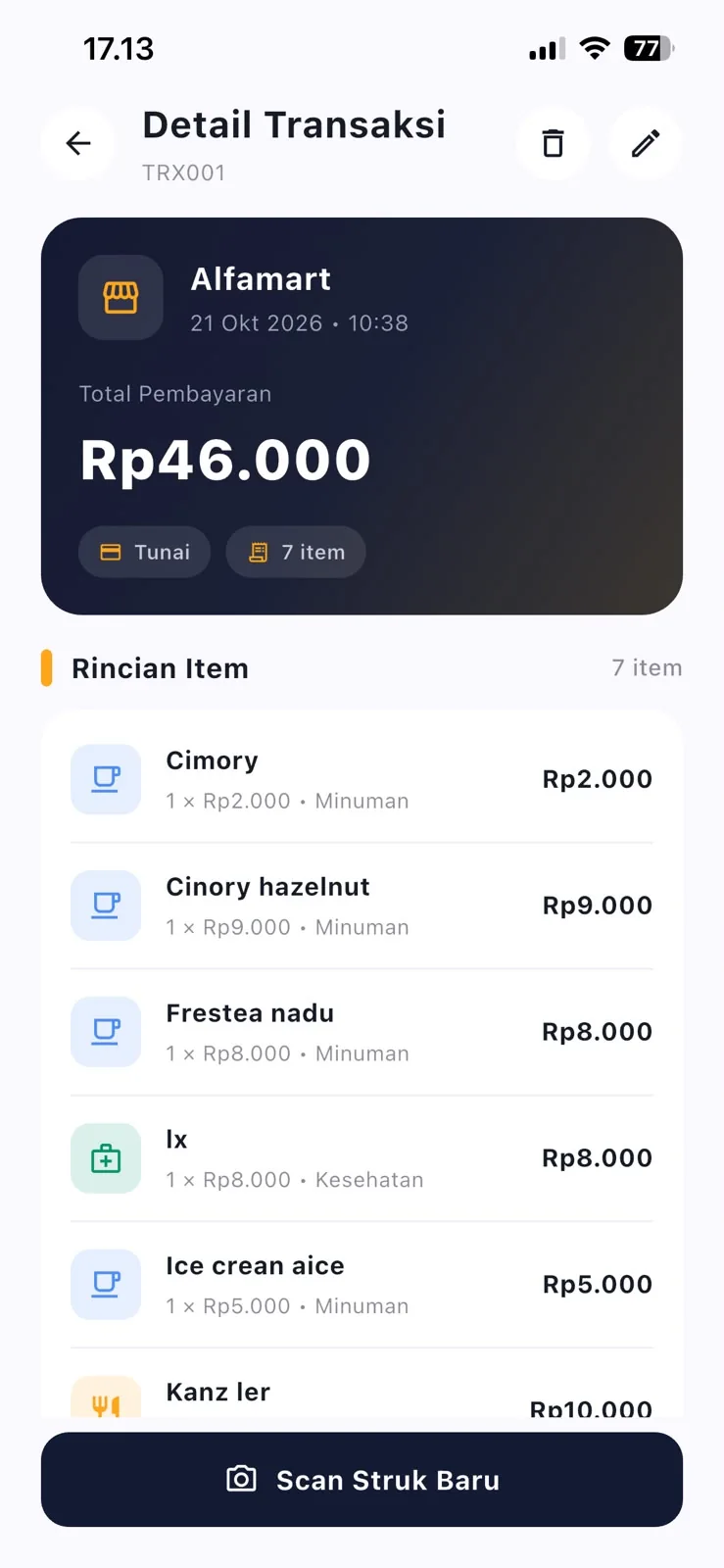
- The app can photograph a receipt, recognise text, and group items into categories automatically.
- Spending analytics and receipt history available without an internet connection.
- User corrections are stored as additional training data to improve the model.
- Met the project-based learning target as expected by the course.
What I would do differently
I learned that measuring a model is not a one-off task. The first version looked accurate, but once tested on products it had never seen, errors concentrated in similar categories — food and beverages, for instance. Going forward I will prepare a test set from a different source from the start, not just split the same data.
Artifacts
- Project charter ↗ smartreceipt-charter.pdf
- One-month timeline ↗ smartreceipt-timeline.pdf
- Model evaluation summary ↗ smartreceipt-evaluation.pdf
Documentation reconstructed from project archives for portfolio purposes.